
Keywords, minus the boilerplate
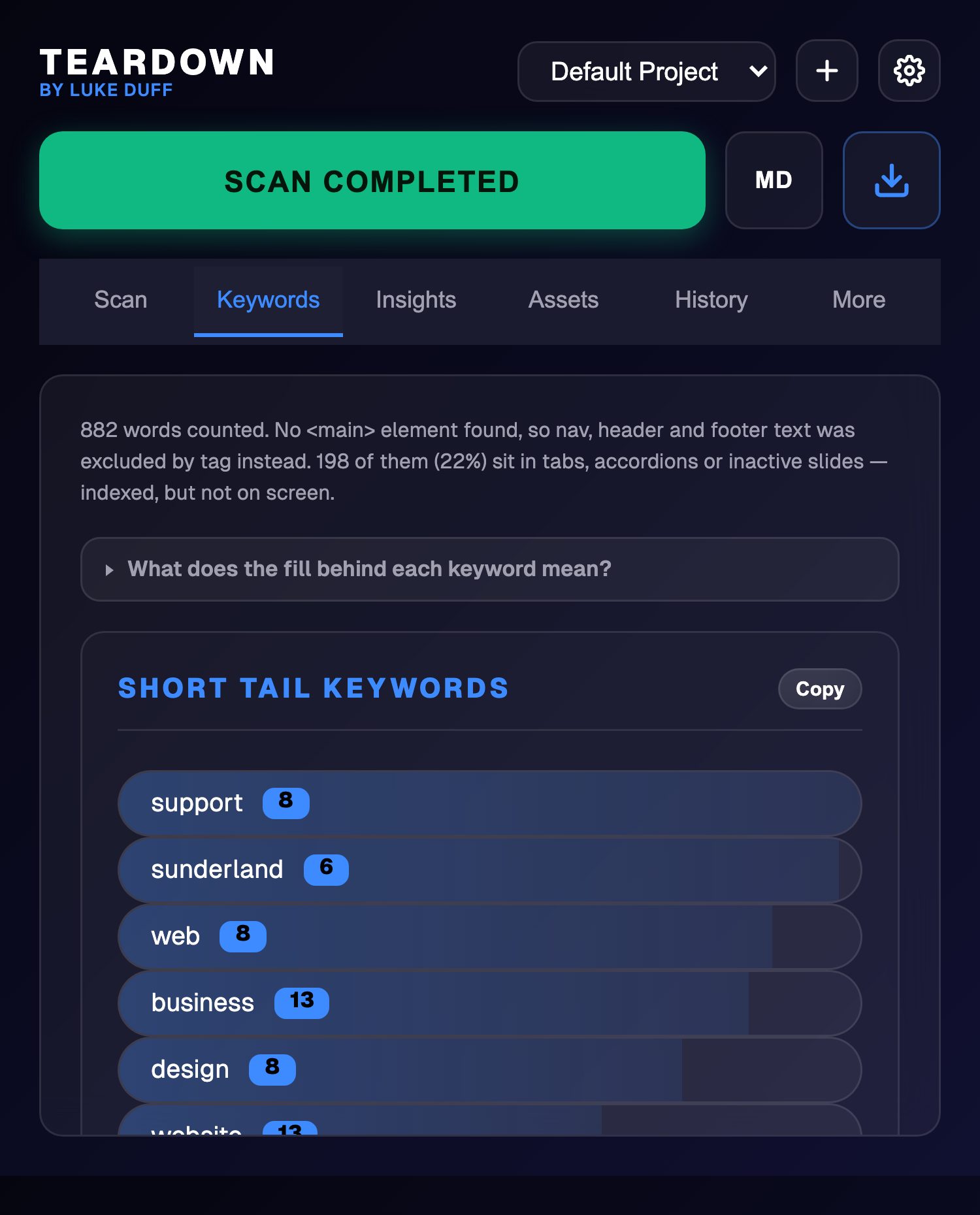
Counts are scoped to the page's main content, so your nav and footer links stop outranking the words that matter. Single terms plus recurring two and three word phrases.
Free Chrome extension
Headings, indexability, meta, alt text, keywords and colour. The whole audit, without opening DevTools.
Nothing leaves your machine
No account, no analytics, no server behind it.
Reads the rendered DOM
Staging, logged-in pages and JavaScript-built sites all scan.
Free, with no tier above it
Built for client audits and kept that way.
Six tabs fill from a single pass over the rendered DOM. Nothing is fetched twice and nothing is guessed.
Counts are scoped to the page's main content, so your nav and footer links stop outranking the words that matter. Single terms plus recurring two and three word phrases.
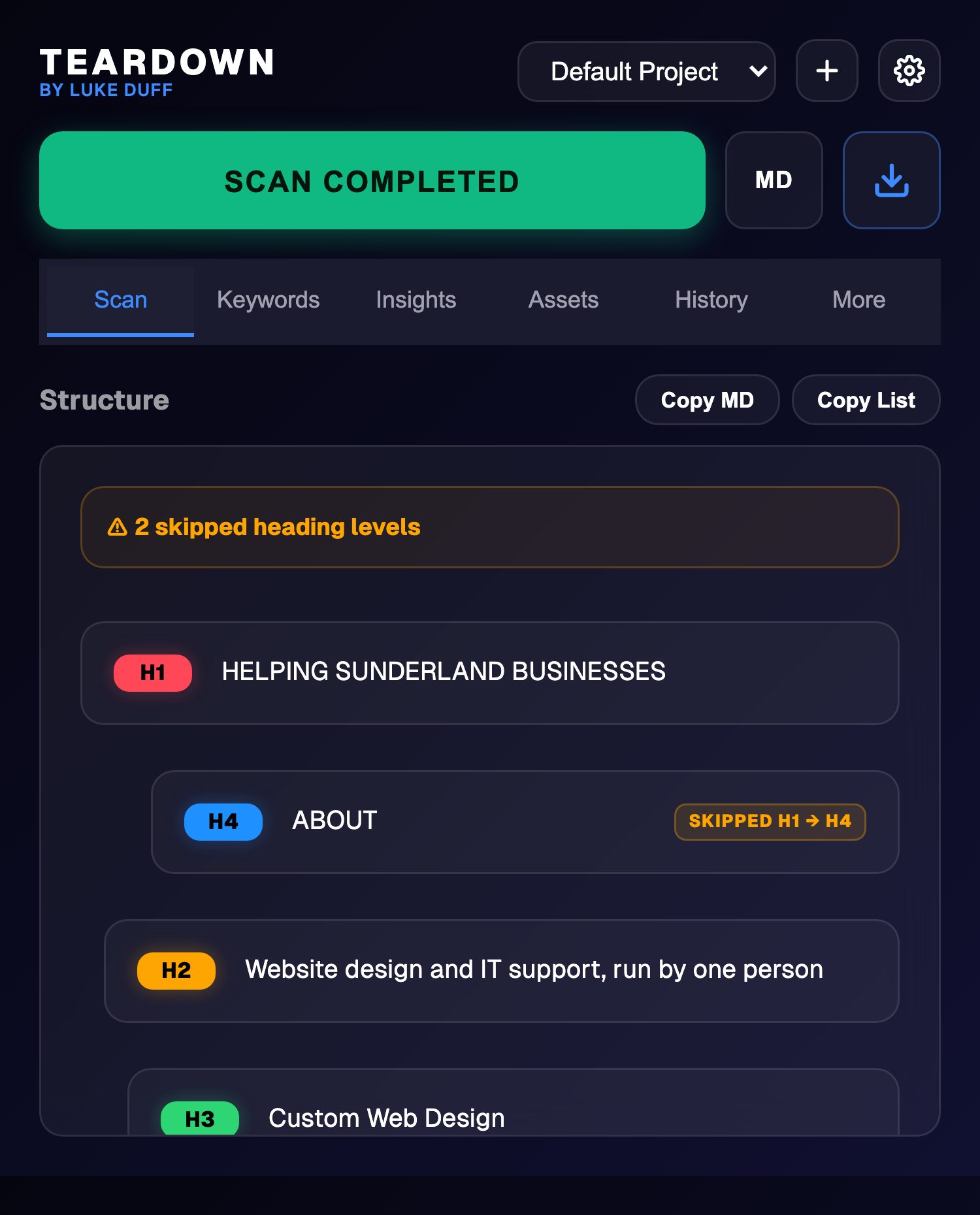
Missing H1, duplicate H1s and every skipped level, tagged on the row that caused it.
skipped H2 to H4
Title and description measured against SERP truncation, 15 to 60 and 70 to 160 characters, with a pass or fail at a glance.
Colours resolved to hex and ranked by how often they are actually used, so the brand colour sits top instead of a stray border.
Total, unique, internal and external counts, then the full list with anchors, mailto and tel classified separately.
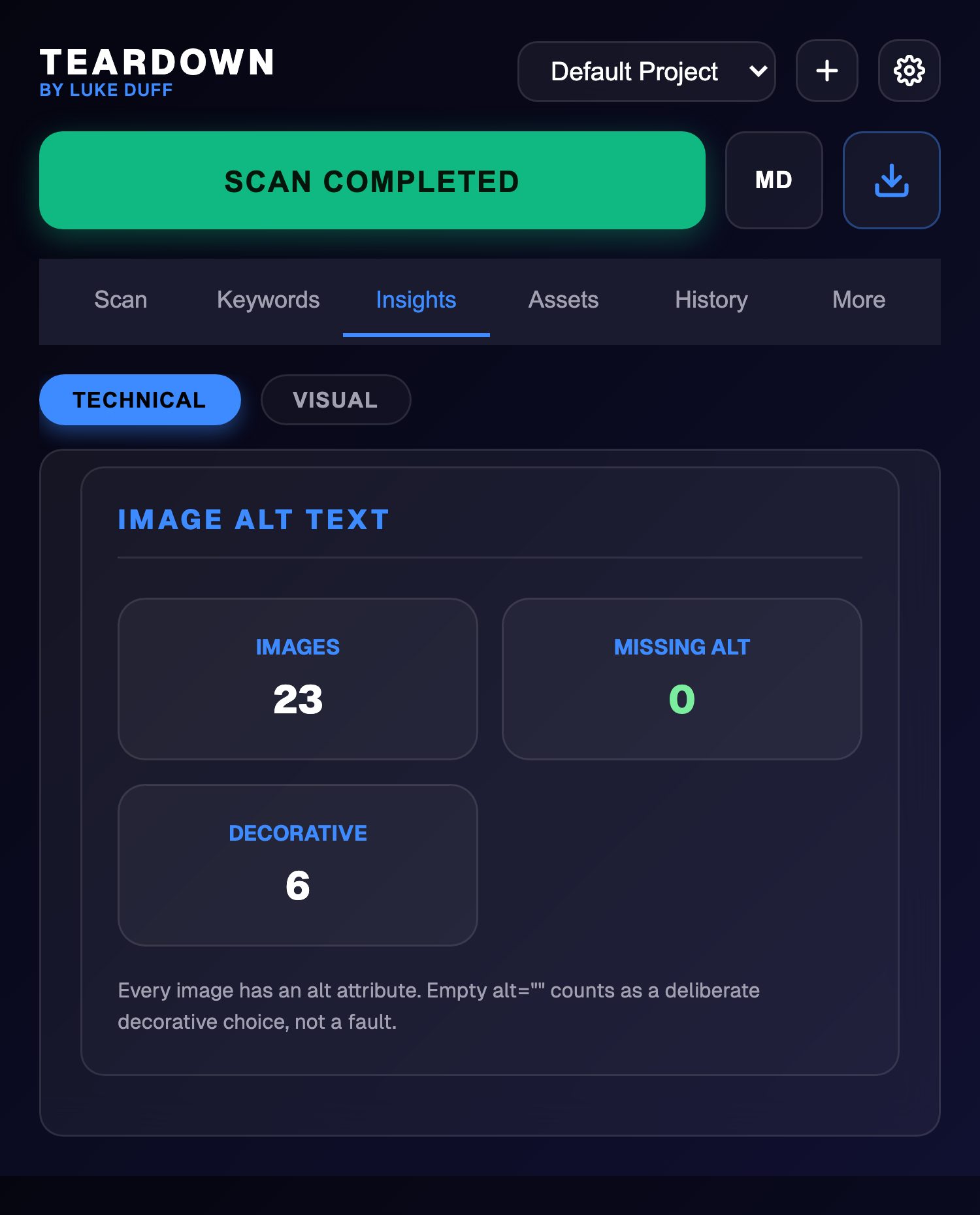
Thumbnails of every image with no alt attribute. Click one and the page scrolls to it. A deliberate empty alt on a decorative image is counted separately, not flagged as a fault.
Locates and fetches the XML sitemap, expands a sitemap index into its children, and checks robots.txt and llms.txt for the domain.
Pick any two scans in History and Compare diffs them: indexability, meta, health score, and the heading outline line by line. Built for before and after a release.
100 points across indexability, structure, metadata and alt text, shown as a breakdown rather than a single unexplained number. Nothing scores for merely existing, and a noindex caps the lot at 40.
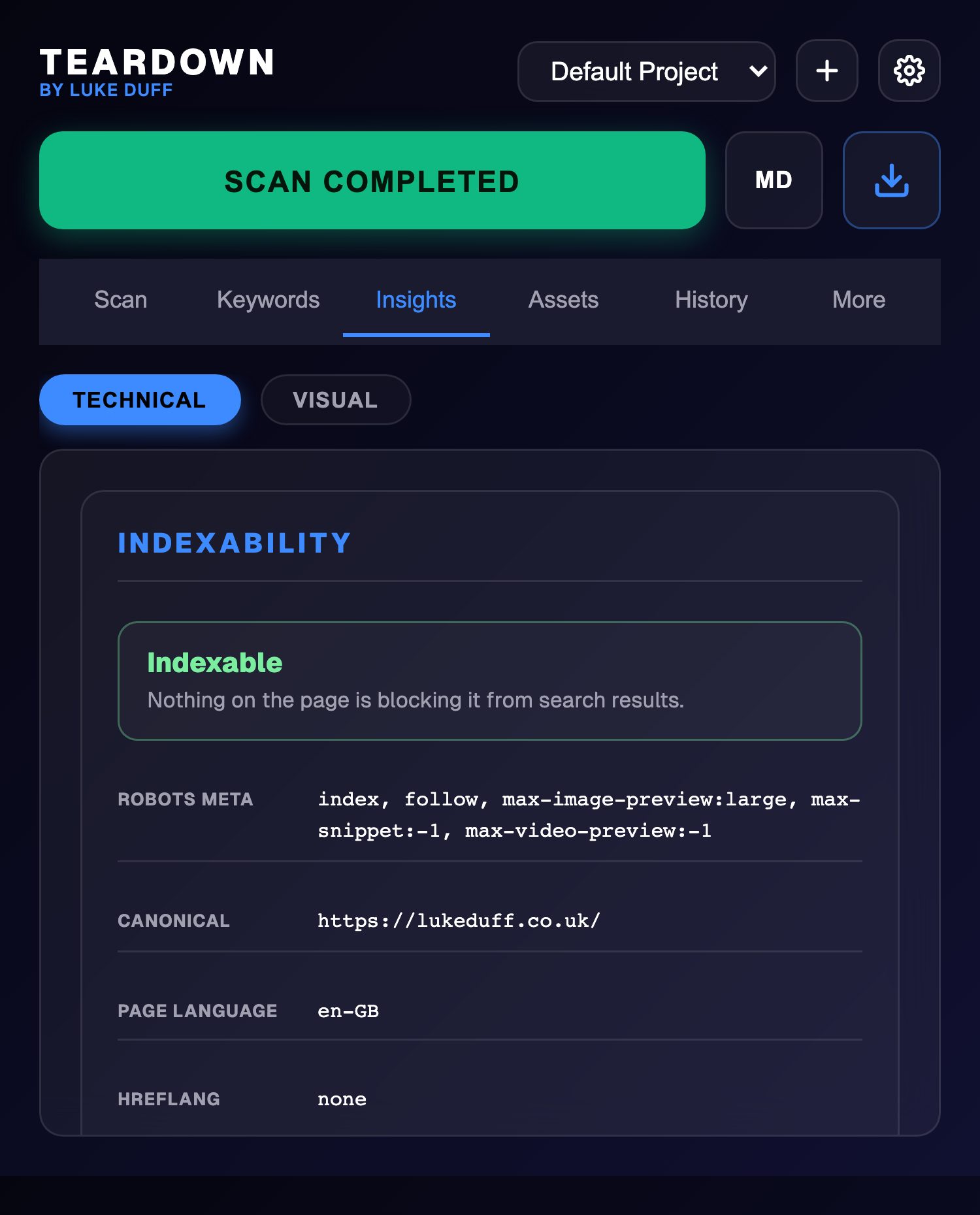
Most heading tools stop at the outline. Teardown opens with the answer to the question that actually matters: can this page rank at all? It reads the robots meta tag, the canonical, hreflang and the page language, then says plainly whether the page is indexable, blocked, or quietly canonicalised to somewhere else.
Doing it by hand instead? The four ways to check whether a page is noindex, including the header-level one that never shows up in view source.
No install required
Paste a URL, get an answer. They read the raw HTML your server sends, which is a narrower question than the extension answers, and the pages say so plainly.
The full H1 to H6 outline of any public URL, indented by level, with the skipped levels called out.
Title and description character counts against the lengths Google actually shows.
Every image on a page with no alt attribute, listed by source. A deliberate empty alt is counted as the decorative choice it is, not flagged as a fault.
Open the popup on any page and hit the button. A content script reads the rendered DOM, so JavaScript-built pages and logged-in staging sites work the same as anything else.
Six tabs fill at once. Click any heading to scroll the live page to it, click an image with no alt to find it, copy a colour by tapping the swatch, or pull every asset on the page in one go.
A full Markdown report in one click from the always-visible MD button, a TXT report, the outline as Markdown or plain list, or a CSV of the whole project history with indexability and health score per row.
Make a project per client or campaign and every scan lands in it, newest first, fifty deep. Rename and delete them from Settings. If you would rather scans did not stop at the popup, point the webhook at your own endpoint and each one gets posted there as JSON, straight into Make, n8n or your own API. A Send Test button checks the endpoint is receiving before you rely on it.
Webhook URL
https://hooks.yoursite.com/scan-received
Projects
Yes. No tiers, no trial, no upsell. It was built as a working tool for client audits and it stays free.
Nowhere. Scans live in Chrome's local storage on your machine. The extension has no account and no server behind it. The one exception is the webhook in Settings: if you enter a URL, scans get posted to that endpoint, and the field is empty unless you fill it in. The web checker on this site is a separate thing and does use a server, because it has to fetch the page for you; see the privacy policy.
Yes. It reads the rendered page in your active tab, so if you are logged in and can see it, it can scan it. That includes JavaScript-rendered content, because it reads the DOM after render rather than the raw HTML.
A full Markdown report of the scan on screen from the MD button that is always one click away, a TXT report, a CSV of a project's whole history, the outline as plain text or Markdown, the palette as a hex list, and the keyword lists. Scraped images download as a batch, foldered by hostname.
Chrome and any Chromium browser that takes Manifest V3 extensions, so Edge, Brave, Arc and Opera. Chrome's own internal pages and the Web Store are off limits to every extension, so scanning will not work there.
One click, six tabs, no account. Nothing leaves your machine.
Add to Chrome